sqlite A field note by Vikrant Sharma
SQLite corruption is usually your fault
The SQLite team keeps a public list of every way you can break their database. Turns out most corruption comes from ignoring fsync or writing to the file yourself.
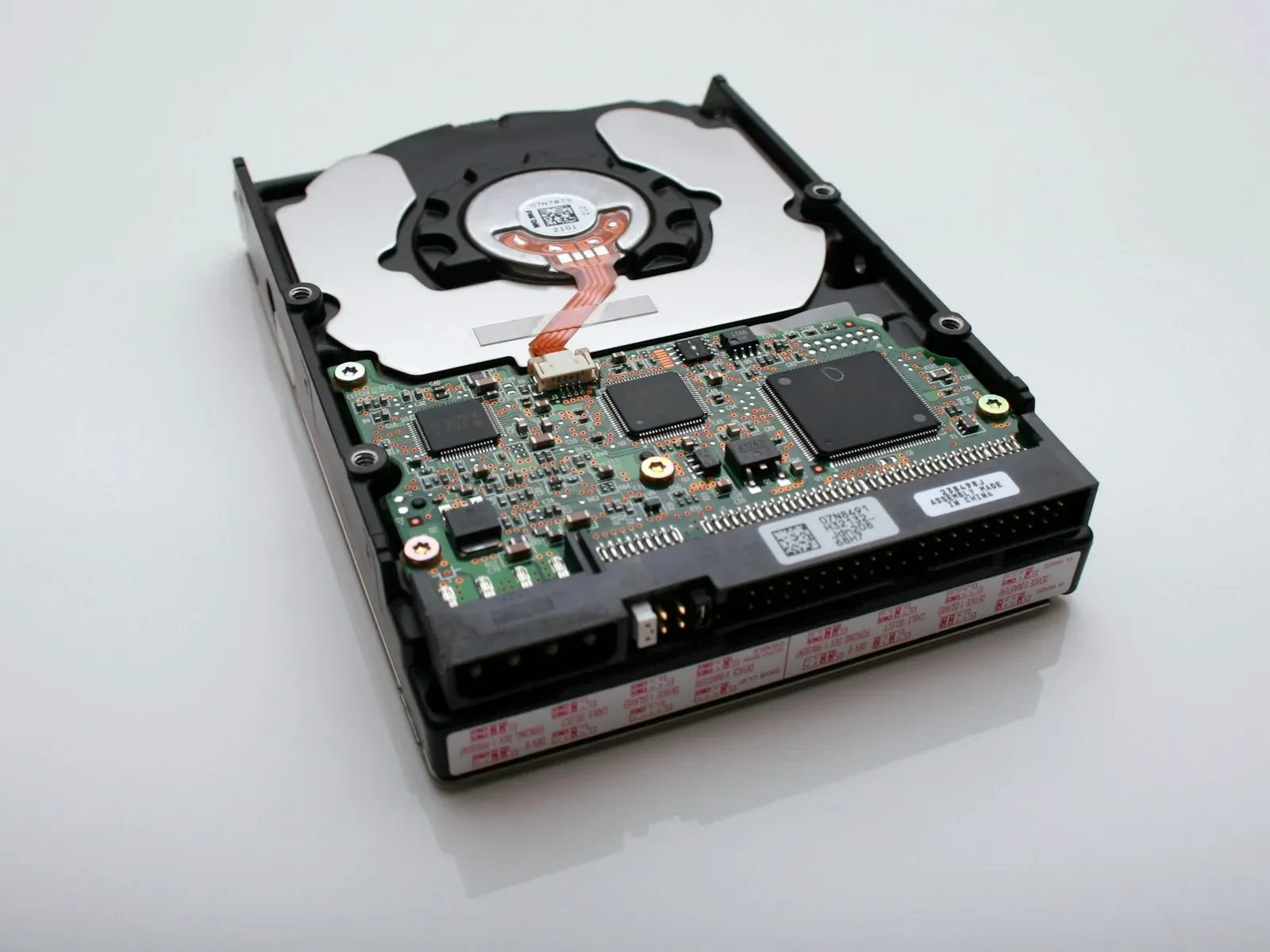
The SQLite team maintains a public catalogue of every way you can corrupt a database file. It is blunt. Most of the list is developer mistakes, not SQLite bugs.
The top culprit is disabling fsync. If you set PRAGMA synchronous=OFF to speed up writes, you are betting the OS will never crash mid-transaction. That bet loses. Power cuts happen. Kernel panics happen. Your atomic transaction becomes half-written garbage on disk.
Second is writing to the database file directly. SQLite uses a write-ahead log and rollback journal. If you bypass the library and modify the file with your own code, you break the invariants those systems depend on. The file format is documented, but the locking protocol is not something you can reimplement safely.
Third is filesystem bugs. SQLite assumes flock works correctly, that fsync actually persists data, that the OS does not reorder writes. On some networked filesystems or cheap flash controllers, those assumptions fail. SQLite cannot fix hardware that lies.
The list includes cosmic rays flipping bits in RAM. That happens. ECC memory exists for a reason. If you run SQLite on a Raspberry Pi with no ECC and the database corrupts after six months, the problem is not SQLite.
What surprised me is how many of these are operational, not code bugs. You can write perfect SQL and still lose data if you mount the filesystem with the wrong flags or run two processes against the same file without locking.
The takeaway is that SQLite is reliable when you follow the rules. The rules are not complicated. Do not disable fsync unless you are OK losing recent writes. Do not write to the file yourself. Use a filesystem that implements POSIX correctly. Most corruption is a configuration error, not a database failure.